

Before You Begin
Make sure you have:- Joined a Live Proctored session from Bookings.
- Opened Candidate Chat from the right strip of the monitoring dashboard.
Step-by-Step Guide
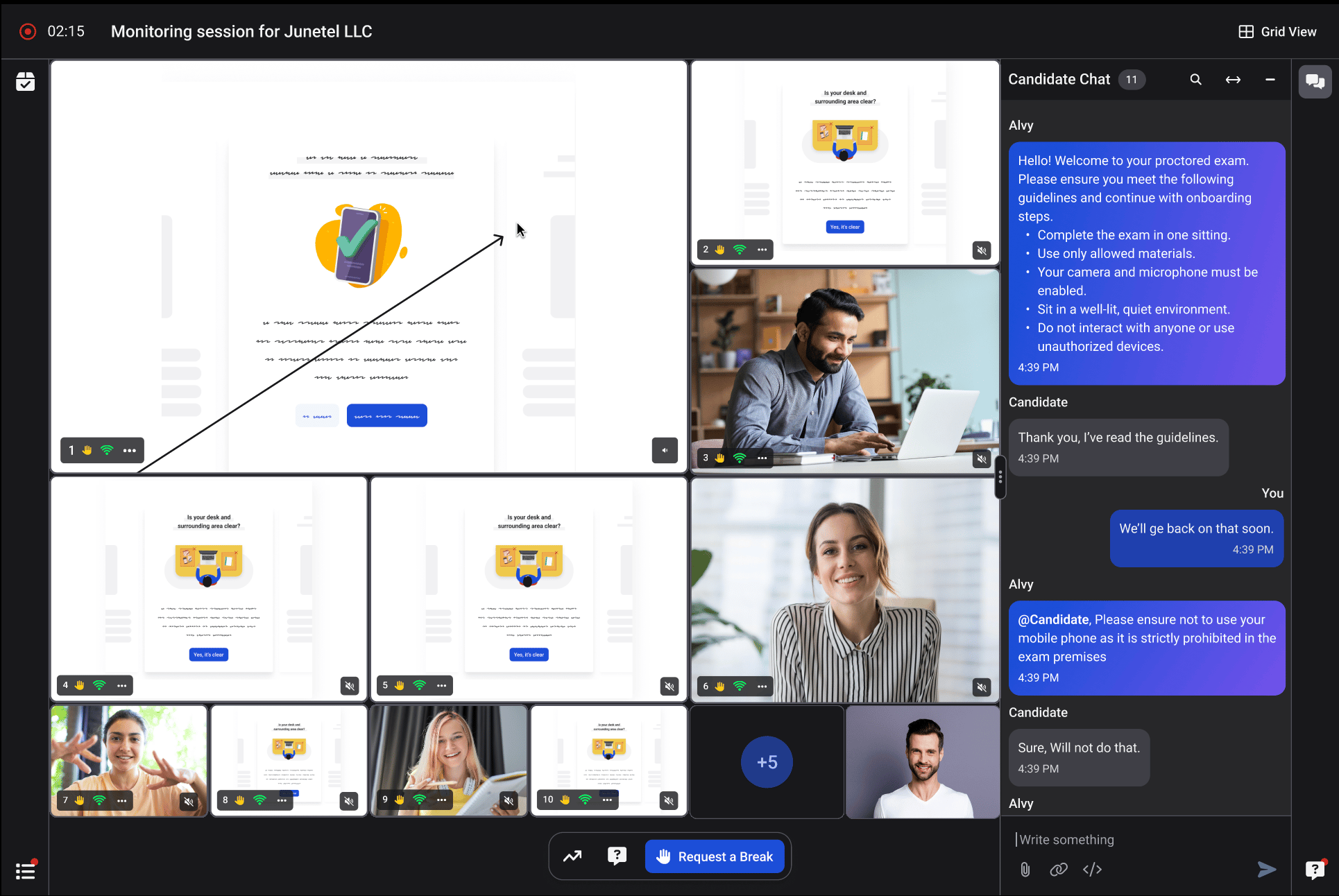
- Open the global chat or a candidate’s 1:1 chat.
- Type your message in the message field.
- Highlight any part of your message.
- A formatting toolbar appears near the selected text.
- To remove a format, select the text and click the same option again.
- The toolbar closes when you click outside the message field or deselect the text. Any formatting you’ve applied stays in place.
- Click the send icon.
- Your formatting appears in the message for both you and the candidate.